 Soldio
Clearance,
with urgency built in.
Prices drop daily while shoppers see what’s left, right on your Shopify product pages.
Add to Shopify — it's free
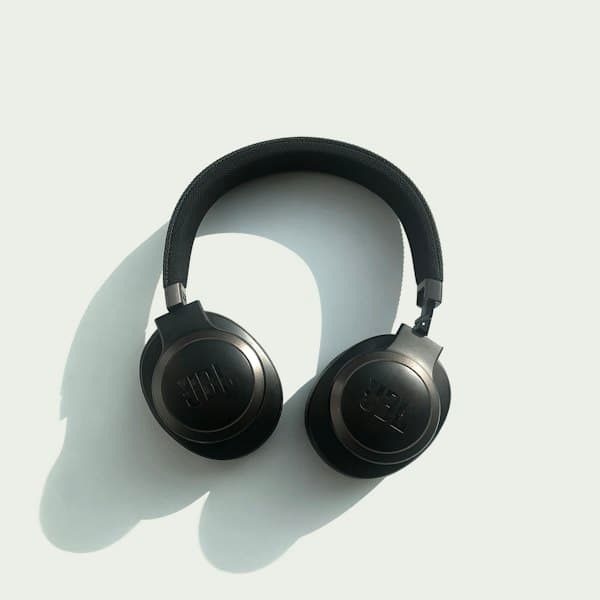
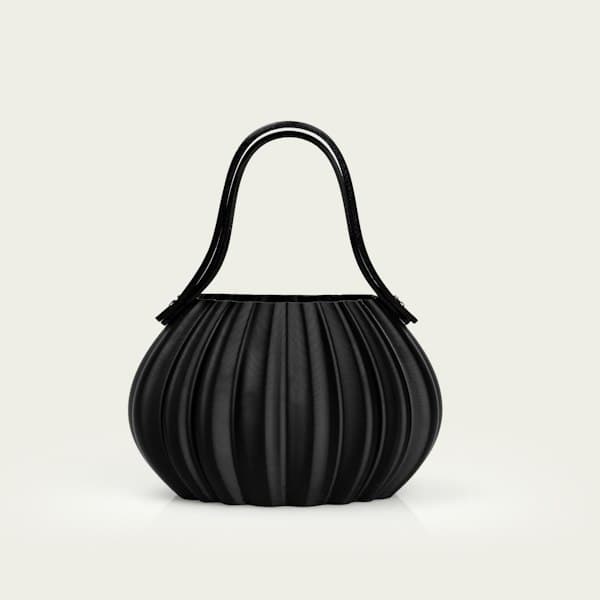

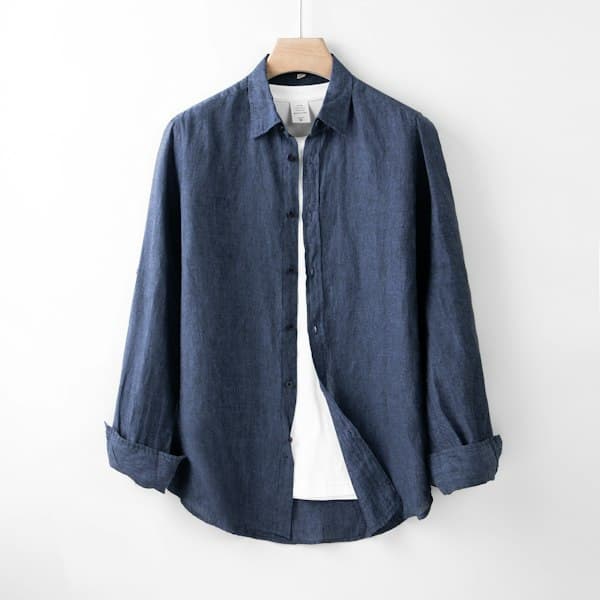
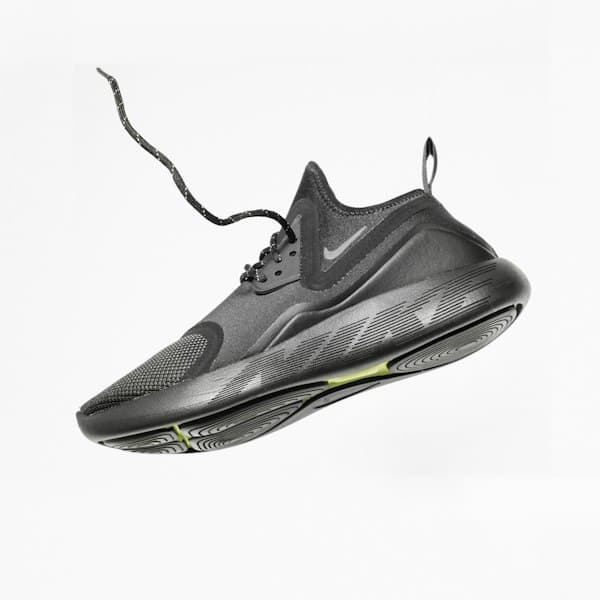
Clearance,
on your terms.
1. Suggested products
Soldio surfaces products that aren’t moving. You choose what goes on clearance.
2. Your timeline
Choose how long the clearance runs. The price drops a little each day.
3. Your floor price
Set the lowest price you’d take. The price keeps dropping only while stock remains.
Frequently asked questions
Is Soldio free?
Yes. Soldio is free to install and use on your Shopify store.
Why do I need to add the Soldio widget?
The widget shows shoppers the dropping price and remaining stock on your product page. Without it, prices still drop, but shoppers won’t see that a clearance is running.
It only appears on products with an active clearance, so the rest of your store stays unchanged. Adding it takes about a minute, and Soldio walks you through it.
Where do my deals appear?
On your own product pages, where the Soldio widget shows shoppers the dropping price and how many are left.
Your clearances can also be listed on soldio.com, our free deals site. Shoppers browse clearances from independent stores there, then buy on your store, through your own checkout.
Listing is free, and you can remove a clearance from soldio.com at any time from its page in the Soldio app.
How do daily price drops work?
You choose your floor price, from 50% to 90% off, and how long the clearance should run: 14, 21, or 28 days.
Soldio lowers the price by the same amount each day. The first drop happens when you publish the clearance, followed by one drop per day in your store’s timezone.
Each variant starts from its own price and follows its own price path automatically.
Can I put only some product variants on clearance?
Yes. You choose which variants are included.
All available inventory for those variants joins the clearance; you can’t choose a smaller quantity. Sold-out variants and variants without inventory tracking are excluded automatically.
A product can have one active clearance at a time.
What happens if a product doesn’t sell out?
Once the price reaches your floor price, it stays there for a final 24 hours while shoppers see a countdown.
After that, the clearance ends, the original price returns, and the widget disappears. Any remaining stock stays published in your store as normal, and you can run another clearance later.
What happens to my product prices when a clearance ends or is cancelled?
Soldio restores the prices the product had before the clearance, including its original compare-at price.
This happens automatically, whether the clearance sells out, reaches the end of its schedule, or you cancel it.
Unpublishing the product or turning off inventory tracking while a clearance is running cancels it, and your prices are restored.
Give slow stock
a reason to move.
Run your first clearance with Soldio.
Add to Shopify — it's free